Toilet Masters Tower Defense Scripts
Feature lists, loadstrings, and account-safety rules before you touch any executor.
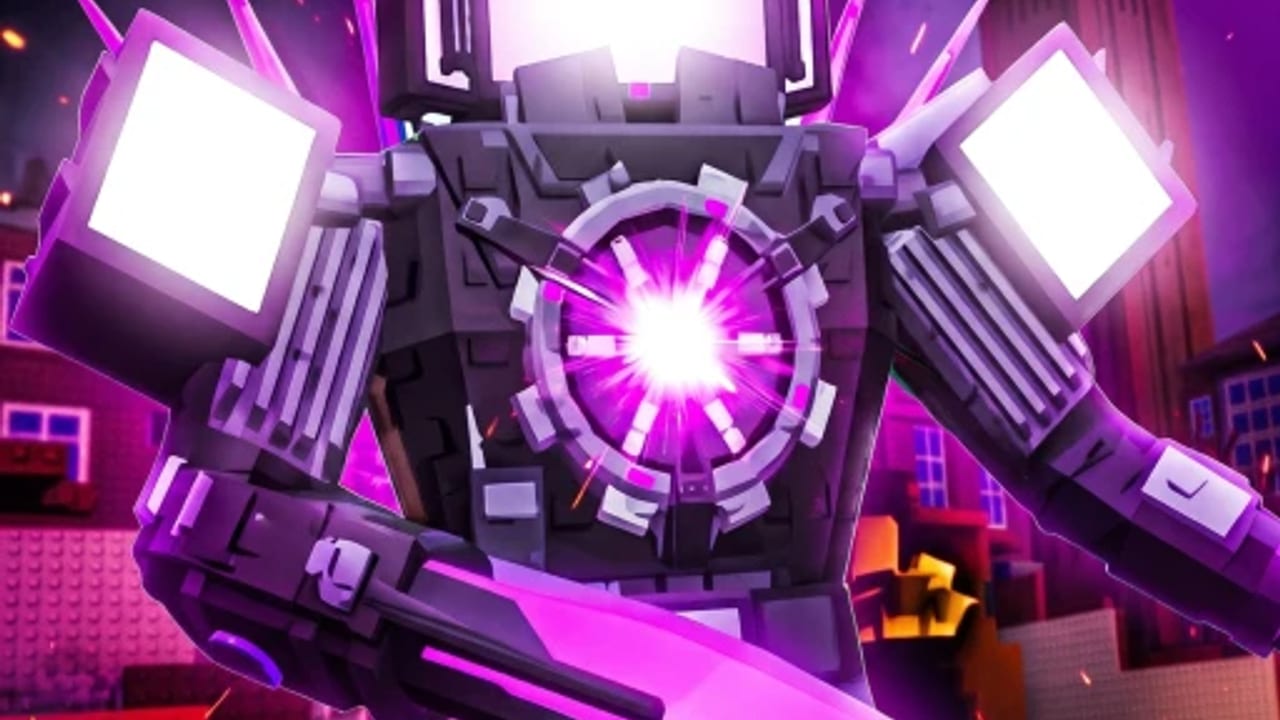
This Scripts Hub documents commonly shared automation loaders used with Toilet Masters Tower Defense. Scripts can auto-play waves, upgrade units, summon, skip, and run macros—but they violate Roblox Terms of Service, can trigger bans, and should never be used on a main account. Prefer learning placement, summons, and difficulty scaling through the Getting Started guide, Codes for free Coins, and the Tier List for unit priority.
If you still research scripts for education or alt-only testing, read the entire safety section below first. Do not share account credentials, do not paste keys in public chat, and do not expect support from Toilet Masters Studio if an executor breaks your client.
Safety first (read before any loadstring)
- Using scripts or executors breaks Roblox ToS and can result in warnings, bans, or account loss.
- Use a disposable alt only. Never log your main into an executor session.
- Never share passwords, session cookies, or backup codes with “key sellers,” Discord DMs, or fake “whitelist” sites.
- Prefer reputable executors you already trust; unknown
.exedownloads are malware risks unrelated to the game itself. - Stop immediately if a script asks for unexpected permissions, wallet links, or off-platform payments beyond a documented key system.
- Automation will not teach map sense: bosses every 10 waves (including G-Toilet / G-Toilet 4.0 laser stun), Endless pressure, and Challenges still punish bad boards.
Legitimate progress paths remain codes, the tutorial Rare + 300 Coins, the daily group coin chest, co-op (+10% Coins per friend), and the Update 6 Challenge / Season Pass loop covered on Updates.
Script 1 — All-in-one hub loader
A popular hub-style loader bundles many Toilet Masters Tower Defense automations behind a single loadstring. Typical feature sets advertised for this style of tool include:
- Auto Play — runs matches with less manual wave management
- Auto Upgrade — spends in-match cash into placed units
- Auto Summon — rolls units from your Coin bank between sessions
- Macros — recorded or preset action sequences
- Smart Deploy — assists placement along the road
- Auto Skip — speeds lobby / intermission flow when available
- Auto Codes — attempts redemption of known promo strings
- Inventory helpers — quick equip / manage flows
- ESP-style overlays — visual aids (highly detectable / risky)
Loadstring
loadstring(game:HttpGet("https://barrage.cc/loader"))()Notes
- Expect a key system before full features unlock. Only complete keys through the official flow the script itself opens; ignore third-party “free key” links.
- After injecting, configure Auto Upgrade and Smart Deploy carefully—blind upgrades can waste cash before boss waves.
- Auto Codes is convenient but still subject to expiry; keep a human eye on the live list in Codes.
- Disable ESP and noisy visuals if you only need Auto Play / Upgrade; fewer hooks can mean fewer crashes.
Watch the embedded overview video on this page for a visual walkthrough of hub-loader style menus, then return here for the second macro option.
Script 2 — Homumado / Alice-style macro
A second widely shared option focuses on macro automation with webhook reporting and mobile-friendly status messages. Players often set _G.autoExec before loading so the script does not auto-run until they are ready.
Loadstring
_G.autoExec = false
loadstring(game:HttpGet("https://raw.githubusercontent.com/iLove-yuri/leeeeesbian/refs/heads/main/homumado.lua"))()
Common feature labels
- Macro playback for repetitive lobby and match actions
- Webhook notifications for run results
- Auto Skip / Speed / Start / Again / Vote / Join helpers
- Auto Summon, Sell, Equip Best, Crate, and Skill toggles
- Key system gate with relatively mobile-friendly status text
Notes
- Keep
_G.autoExec = falseuntil your executor is stable and you are on an alt in a private or low-stakes server. - Webhooks should point only to channels you control; never paste other players’ data.
- Macro timing can desync after patches (Update 6 maps like Alpha-Hills Airfield, hourly Challenges, banner units). Re-test toggles after every major update listed on Updates.
- Equip Best and Sell automations can trash a carefully built shiny lineup—review inventory rules before enabling them.
Choosing between the two
| Need | Prefer |
|---|---|
| Broad feature panel (play, upgrade, summon, codes, inventory) | Hub loader (Script 1) |
| Macro-centric loops with webhook / mobile reports | Homumado-style macro (Script 2) |
| Learning the game properly | Neither — use Guides and Players |
Neither script replaces understanding unit rarities (Basic → Mythic + Shiny), road placement, or difficulty choice (Easy, Medium, Hard, Insane/Nightmare, Endless, Challenges). If your goal is long-term account health, spend time on fair play: redeem Codes, clear the tutorial, claim the group chest, and climb with friends for the co-op Coin bonus.
Setup checklist (alt only)
- Create or use a throwaway Roblox account with nothing valuable attached.
- Install an executor you already consider trustworthy; skip random Discord file drops.
- Join Toilet Masters Tower Defense, stay in the lobby, then inject.
- Paste one loadstring at a time; do not stack conflicting hubs.
- Complete any key prompt only through the script’s own window.
- Enable the smallest feature set you need (for example Auto Skip + Auto Upgrade only).
- Run a short Easy match and verify upgrades, summons, and UI still respond.
- After Update patches, assume scripts break until re-tested.
Risks beyond bans
Executors can expose your device to malware, steal session cookies, or inject unwanted prompts. A “working” script today can become a trojan tomorrow if the hosted HttpGet URL changes. Hosted loaders and raw GitHub scripts are not endorsed by this wiki or by Toilet Masters Studio. We document strings players already circulate so you can recognize them—not so you must run them.
If you care about competitive Challenges leaderboards or Season Pass progress, scripted clears can also ruin the fun for co-op partners and may be easier for anti-cheat heuristics to flag when patterns look inhuman.
Fair alternatives on this wiki
- Codes Hub — free Coins from UPDATE6, milestone codes, and more
- Getting Started — tutorial path, early summons, placement basics
- Tier List — which units deserve Coins first
- Updates — Update 6 Medieval Pass, Airfield map, Challenges cadence
- Players / Wiki — roster and overview context
Bottom line: scripts are high risk, unsupported, and unnecessary for enjoying Toilet Masters Tower Defense. If you experiment anyway, keep it on an alt, never share the account, and turn automation off the moment something feels wrong.
Frequently Asked Questions
Quick answers to the most common questions.
Are Toilet Masters Tower Defense scripts safe to use?
No script is truly safe. They violate Roblox ToS, can ban your account, and hosted loadstrings can change into malware. Use an alt only, never share credentials, and prefer normal play with codes and guides.
What does the hub loader script do?
Typical hub loaders advertise Auto Play, Auto Upgrade, Auto Summon, macros, Smart Deploy, Auto Skip, Auto Codes, inventory tools, and ESP. Features vary by version and may break after updates.
How do I load the Homumado / Alice-style macro?
On an alt with an executor, run _G.autoExec = false then the published loadstring HttpGet to the homumado.lua raw file. Complete any key prompt only through the script’s own flow.
Will Auto Codes replace the Codes Hub?
No. Auto Codes can mistype or miss expired strings. Always verify live rewards on the Codes page and redeem manually if automation fails.
Can I use scripts on my main account?
Strongly discouraged. Bans are permanent risks. Keep any experimentation on a disposable alt with no Robux, limited UGC, or linked payment methods.
Do scripts still work after Update 6?
Maybe, maybe not. New maps, Challenges, and UI changes often break macros. Retest on an alt after every patch and watch Updates for gameplay changes that scripts must adapt to.